
Sign up as a sub-reseller and activate your account
This guide shows you how to create a Unitward sub-reseller account and sign in to the Unitward panel for the first time.
Before you start
- A valid email address. That email is also your username.
- A strong password. The form lists the password rules.
- You will choose a selling currency and an accounting currency. The form says you cannot change these later.
- Unitward activates new accounts after you sign up. You may need to wait before you can log in.
Step 1Open the PartnerSite sign-up page
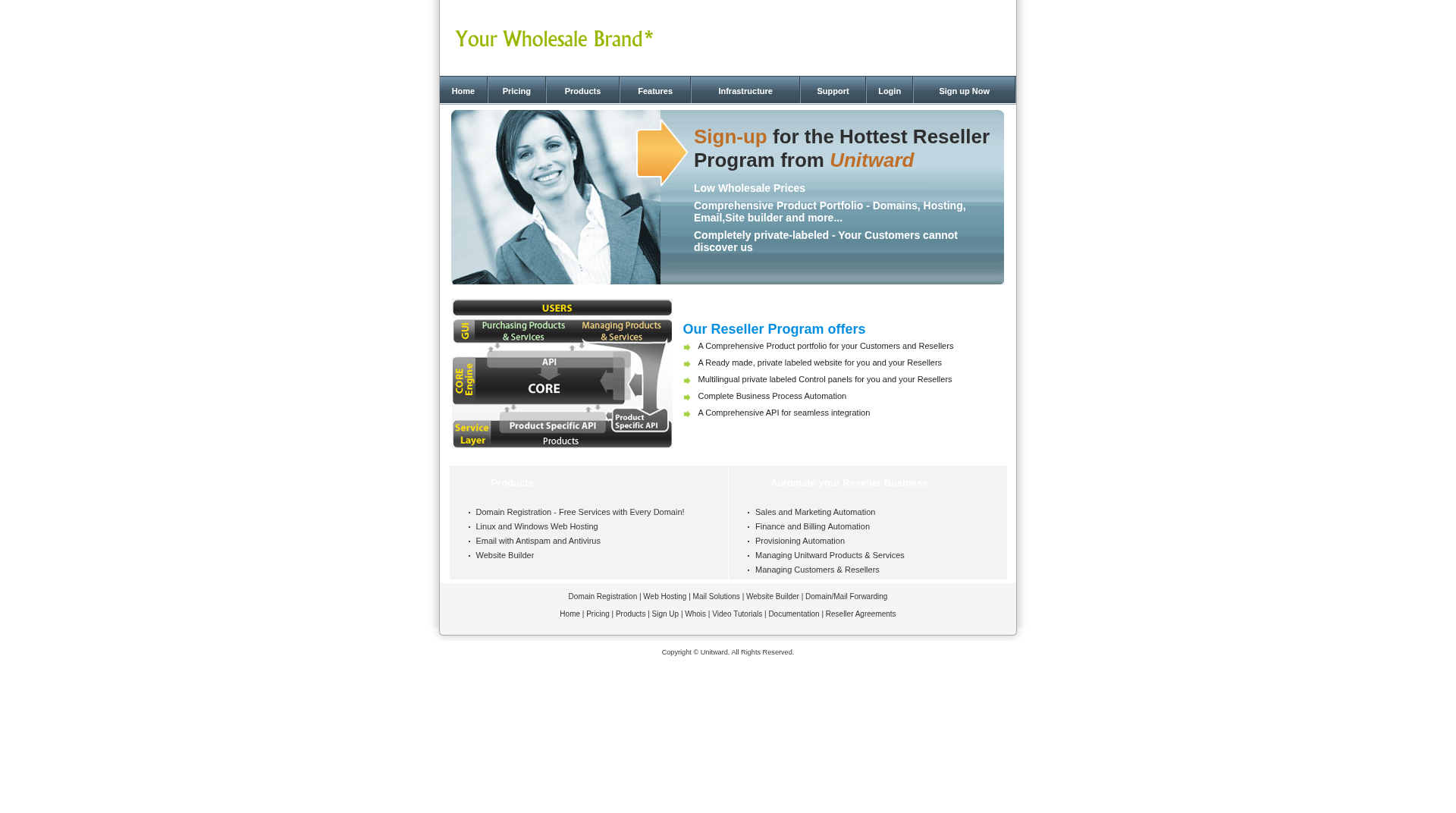
Open the Unitward PartnerSite sign-up page: https://unitward.com/reseller.php?action=partnersite.
The page is titled Sign-up for the Hottest Reseller Program from Unitward. In the top menu, click Sign up Now to open the form.
Step 2Fill in the Reseller Signup Form
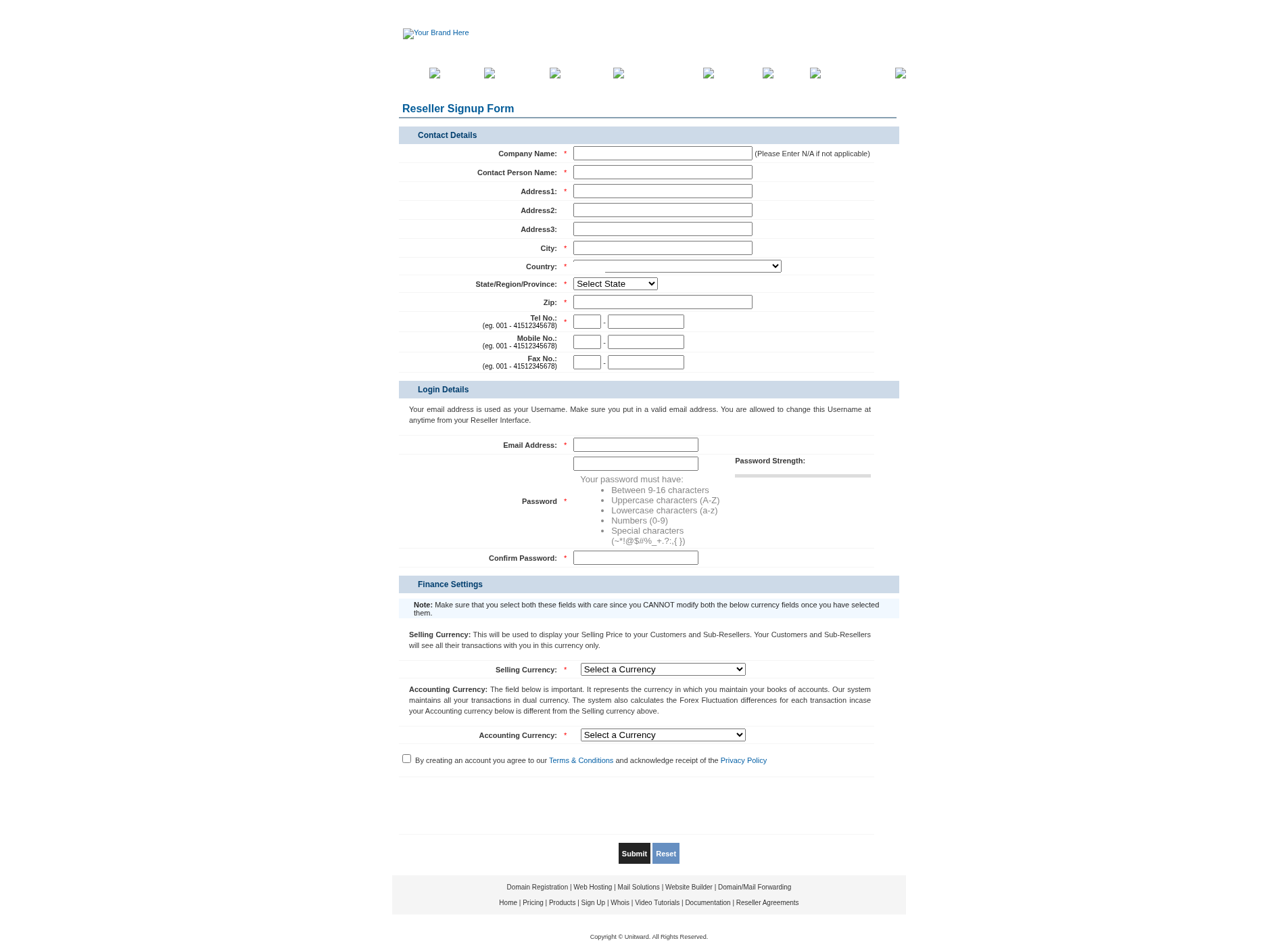
Fill in the Reseller Signup Form:
- Under Contact Details, enter your company name, contact person, address, city, country, state or province, zip code and telephone number.
- Under Login Details, enter your email address, then enter and confirm your password.
- Under Finance Settings, choose your Selling Currency and Accounting Currency. Choose these carefully. The form says you cannot modify them later.
- Tick the box to agree to the Terms & Conditions and the Privacy Policy.
- Complete the security check if it appears, then click Submit.
Step 3Wait for the success page
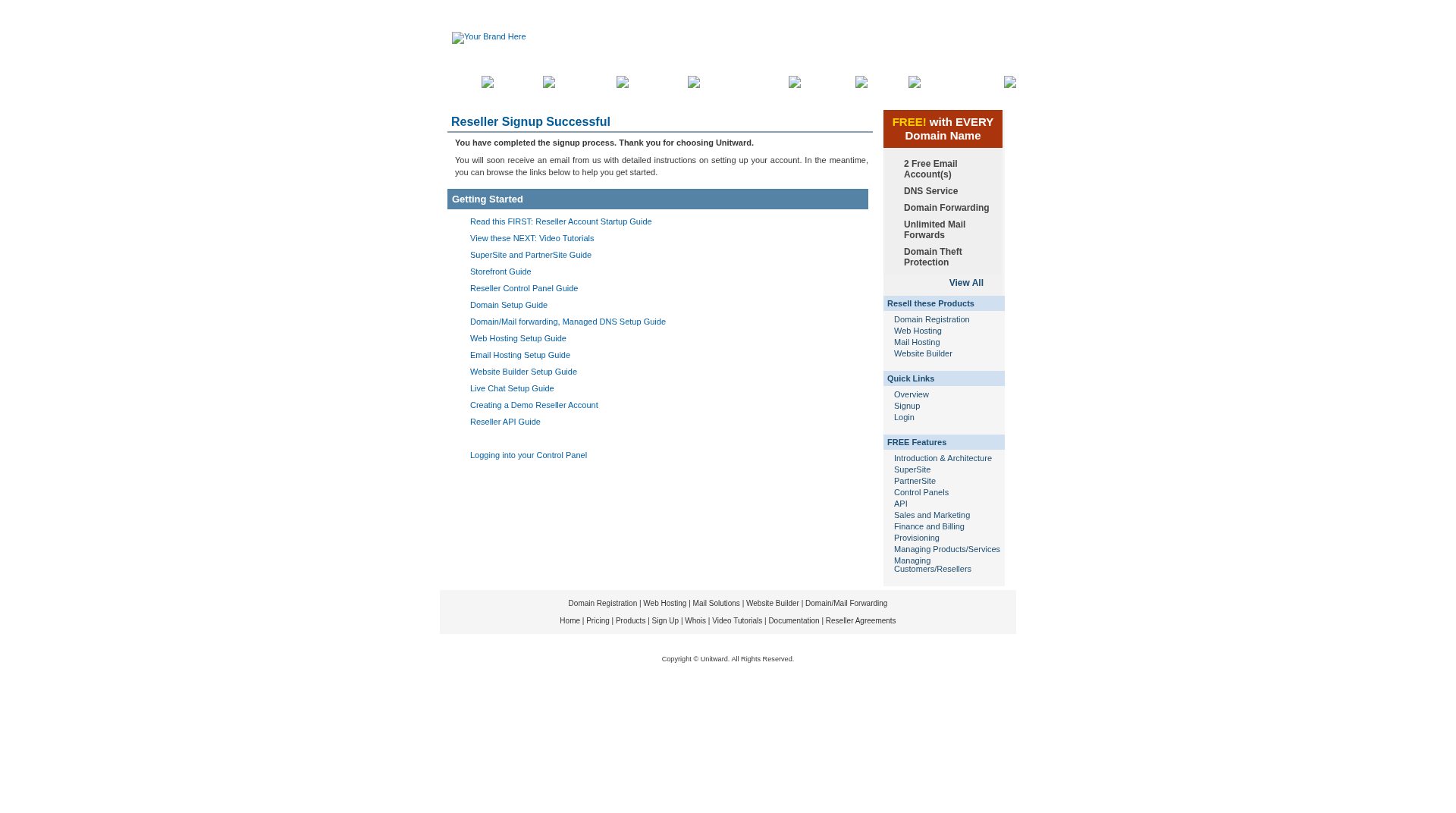
The title is Reseller Signup Successful. It thanks you for choosing Unitward and says you will soon receive an email with setup instructions. You can also browse the Getting Started links on that page.
Step 4Sign in when your account is active
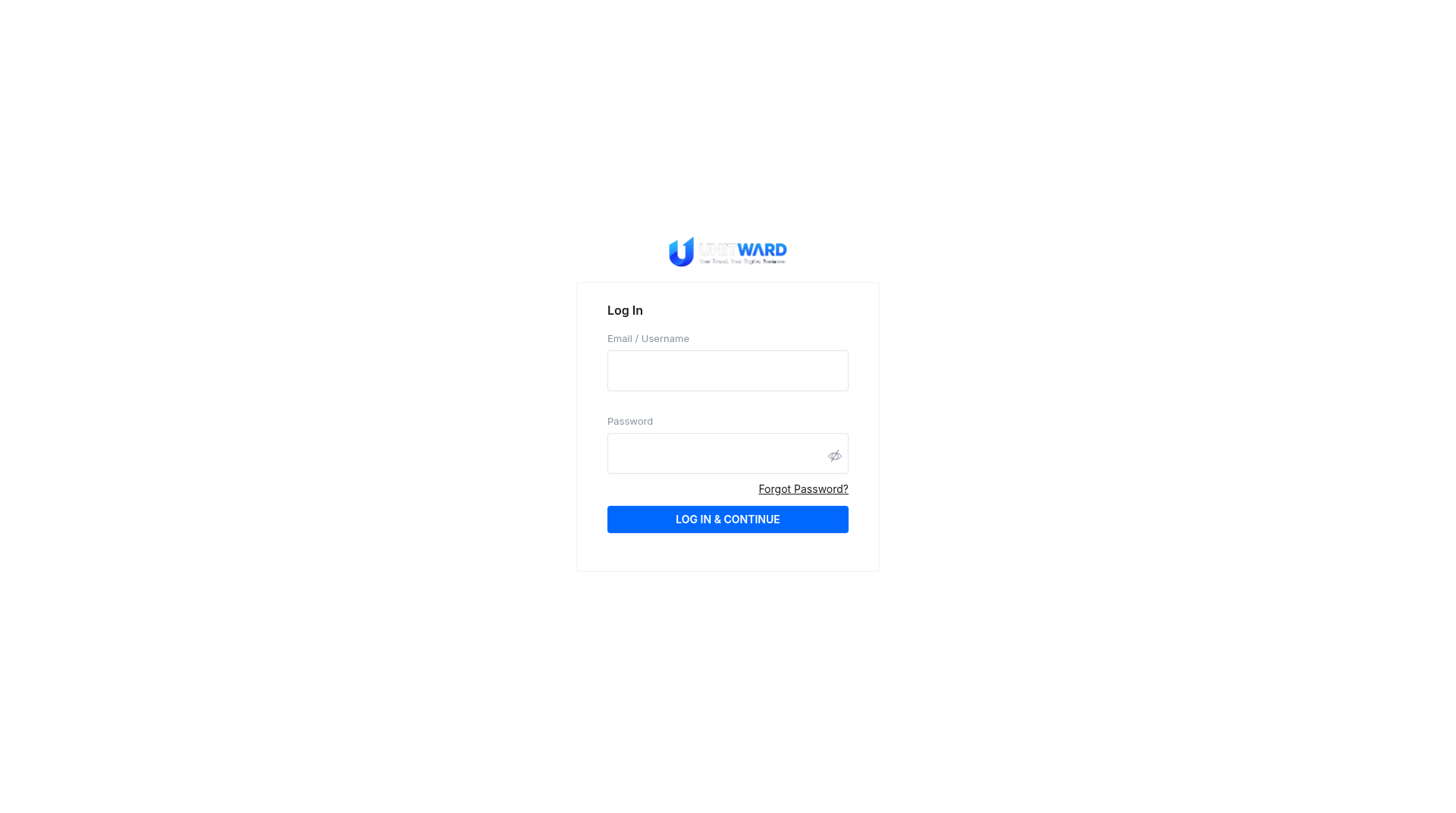
When your account is active, open the Unitward panel login page: https://unitward.manage-orders.com.
- Enter the email address and password you chose at sign-up.
- Click LOG IN & CONTINUE.
- If you cannot log in yet, wait for Unitward to activate your account, or contact support@unitward.com.
Step 5Update your location on first login
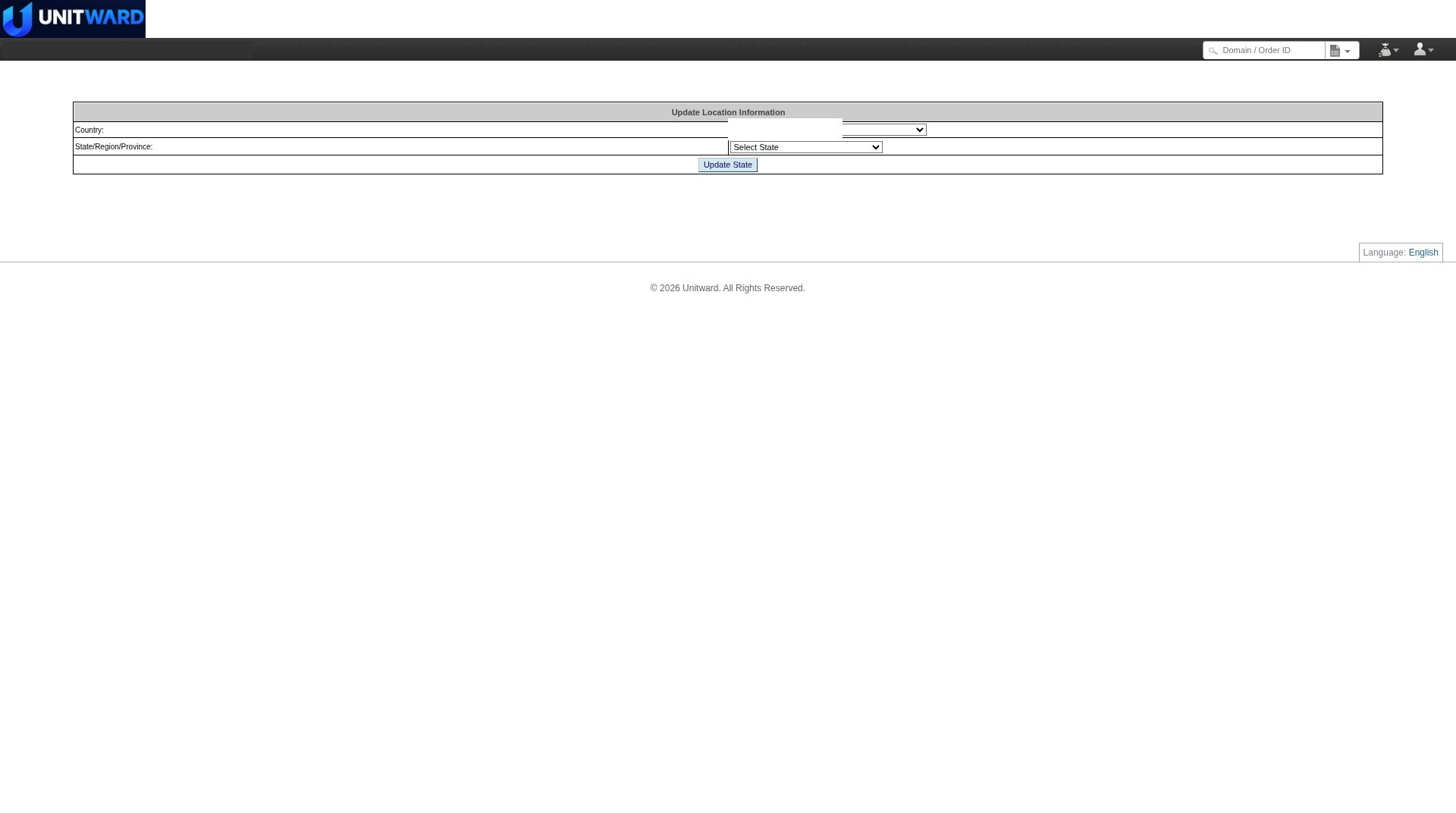
The first time you sign in, the panel may show an Update Location Information form. Choose your Country and State/Region/Province, then click Update State.
Step 6Open the panel Home page
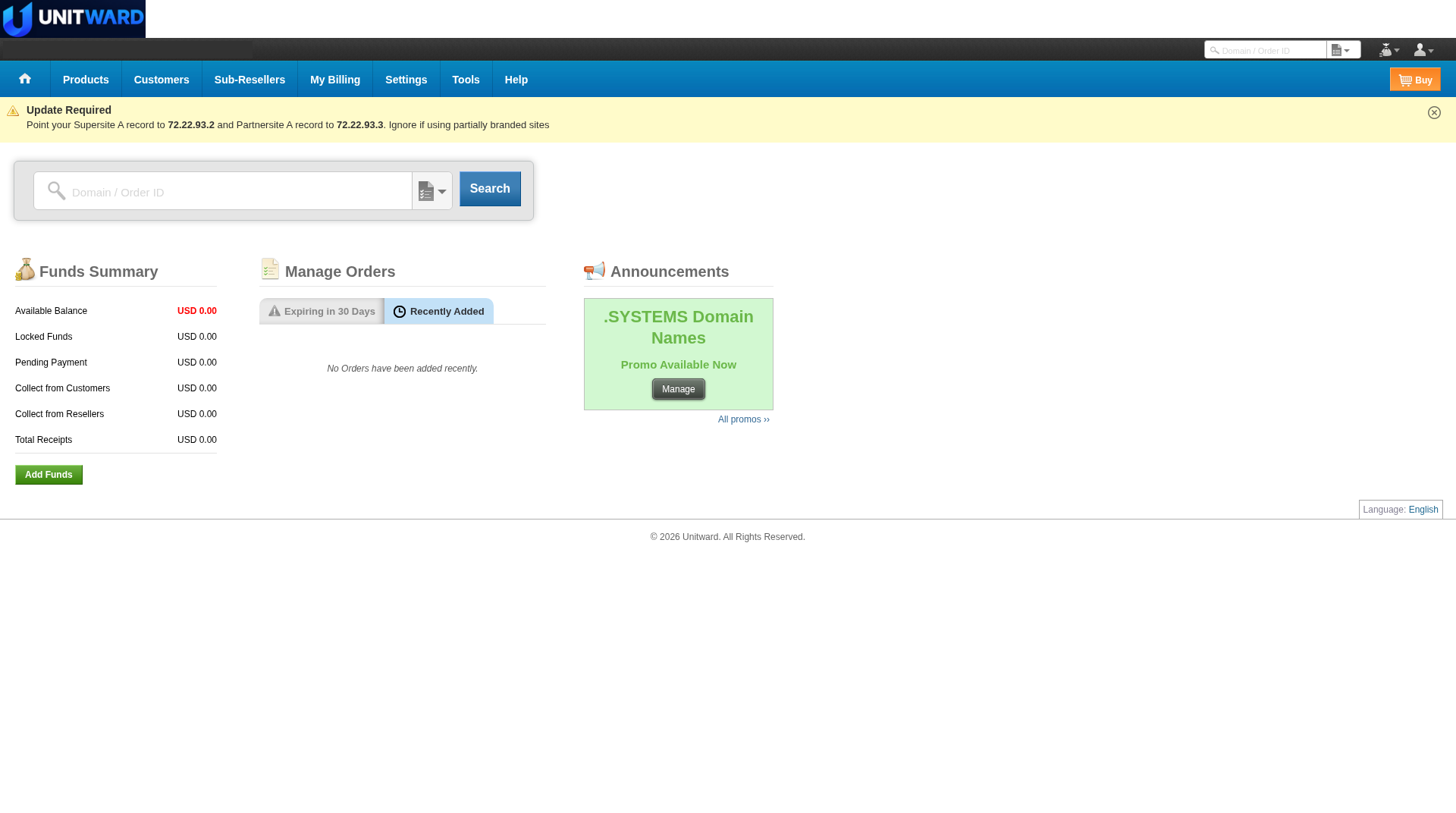
After you update the location, you reach the Unitward panel Home page. The top menu includes Home, Products, Customers, Sub-Resellers, My Billing, Settings, Tools, Help and Buy.
For the next setup tasks, see the other reseller guides in this help center: adding funds, branding your store, setting prices, and creating a customer order.
✅ Your reseller account is ready
You can sign in to the Unitward panel. Next, see the guides on funds, branding, prices and customer orders.